
Species Hunt Competitions
A step-by-step guide for hosts creating competitions and anglers competing to catch the most species.
What is a Species Hunt?
A Species Hunt is an open angling competition where participants compete to catch as many different target fish species as possible within a set timeframe. It's one of the most exciting and inclusive formats in angling — open to all skill levels and disciplines.
Hosts create competitions with a list of target species. Participants join, receive a personalised competition card, and submit photo evidence of each species they catch. A live leaderboard tracks progress throughout the event.
Anyone can host a Species Hunt — businesses, angling clubs, fishing guides, tackle shops, or individual anglers. This guide walks you through everything from creating your first competition to submitting your winning catch.
Key Features
In This Guide
Part 1: For Hosts
Creating and managing your Species Hunt competition
Create Your Host Profile
Before you can host a competition, you need a Host Profile. This is your public-facing identity as a competition organiser — it can be a business, a club, a tackle shop, or just your name.
From your dashboard, go to Competitions → Host Dashboard and click "Create Host Profile". Fill in:
- Business/Host name — the name anglers will see
- Description — tell participants about your organisation
- Logo/image — your brand or club crest
- Contact details — so participants can reach you
- Club link — optionally link your host profile to an existing Angling Ireland club

Tip: Your host profile has its own public page where anglers can see all your current and past competitions. Share this link on social media to build your following.
Create a Competition
From your Host Dashboard, click "Create Competition". This is where you set up all the details for your event:

Competition details to fill in:
- Title — give your competition a catchy name
- Description & rules — explain how the competition works, any restrictions, and the prize structure
- Start & end dates — when the competition runs
- Entry fee — free or paid entry (set the amount)
- Visibility — Public (visible to all on the competitions page) or Private (invite-only via direct link)
- Location — set the competition area on the map so anglers know where to fish
- Max participants — set a cap or leave unlimited
Tip: You can save a competition as a draft and come back to it later. It won't be visible to anyone until you publish it.
Choose Target Species
The heart of every Species Hunt is the target species list. You choose which fish species participants need to catch from our database of 137+ species found in Irish waters.
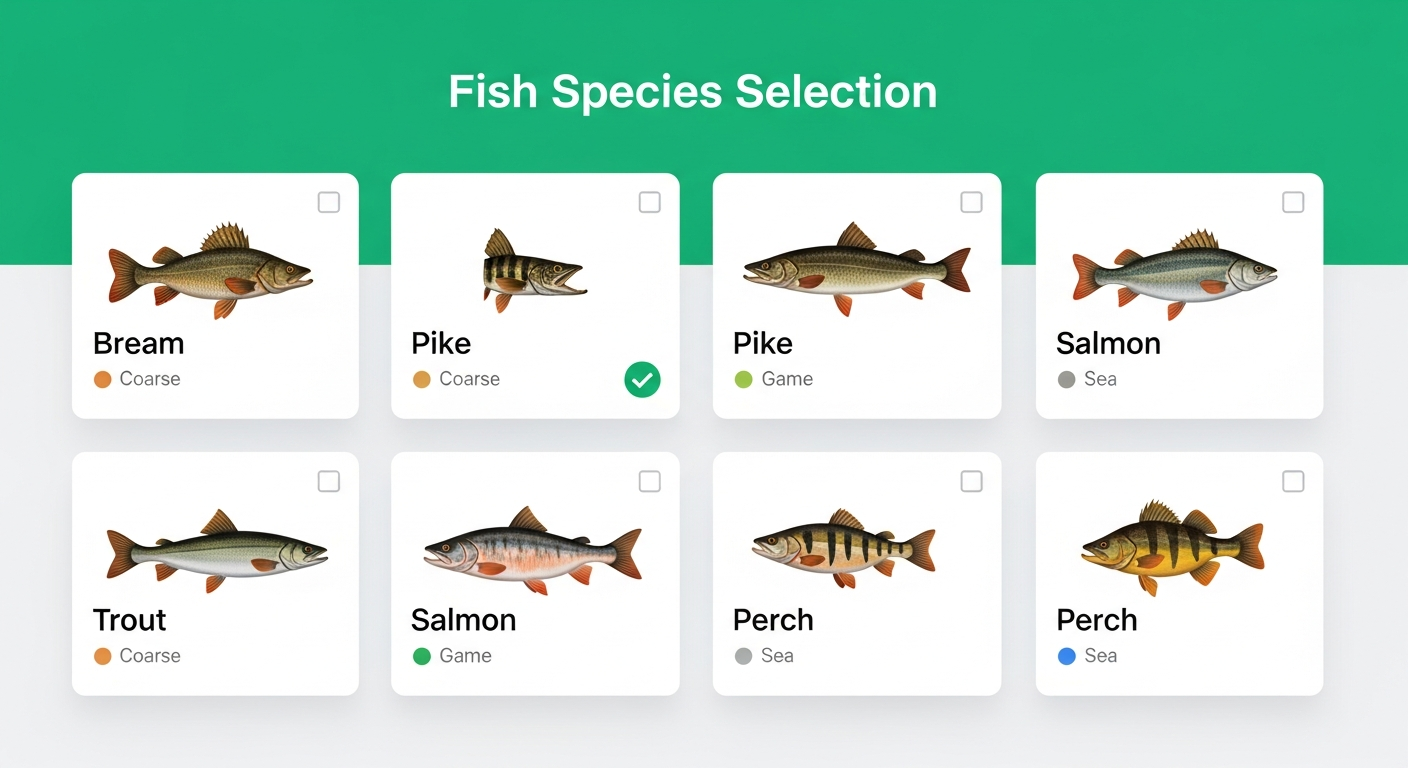
You can select species across all categories:
The more species you include, the more challenging the hunt becomes. A typical competition might target 15–30 species, but you can set any number. Participants score one point for each unique target species they catch and submit with photo evidence.
Tip: Mix common and rare species to create layers of difficulty. Everyone can catch the common ones, but the top spots will go to anglers who land the trickier species.
Design Your Competition Card
Every participant receives a personalised Competition Card — a printable A4 card they include in their catch photos as proof of identity. You can design this card to match your brand using our built-in card designer.
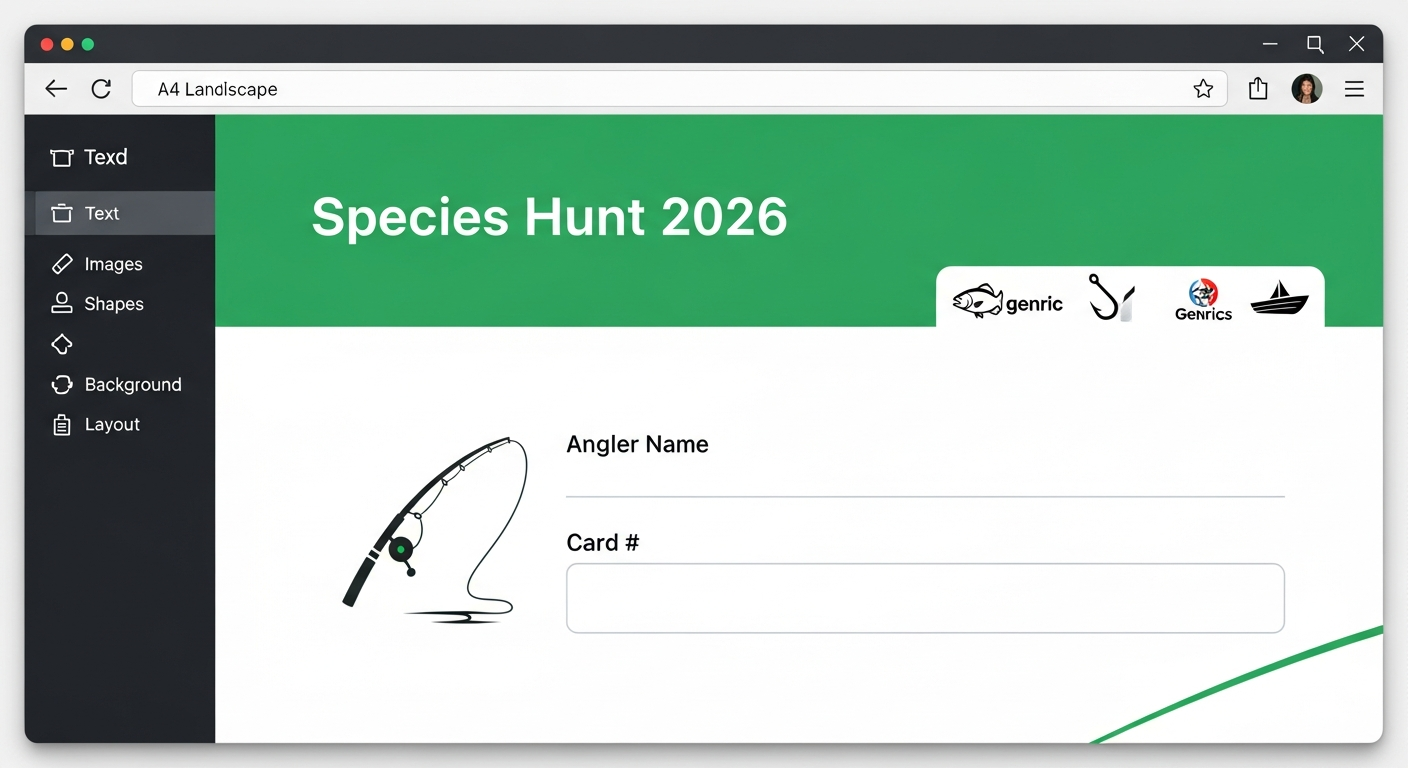
The Card Designer lets you:
- Drag and drop — position text, logos, and images anywhere on the A4 landscape canvas
- Add your branding — upload logos, set colours, add sponsor images
- Add text — competition title, rules, dates, custom messages
- Placeholders — special fields that automatically fill in with each participant's name and unique card number
- Preview — see exactly what participants will receive
When a participant joins, their personalised card is generated automatically with their name and unique number filled in. They can view, download, and print it from their account.
Tip: A well-designed card adds professionalism to your event. Include your logo, sponsor logos, and the competition dates. Participants will include this card in every catch photo they submit.
Add Sponsors Optional
If your competition has sponsors, you can showcase them on your competition page. Sponsors get visibility with the angling community and help fund prizes.
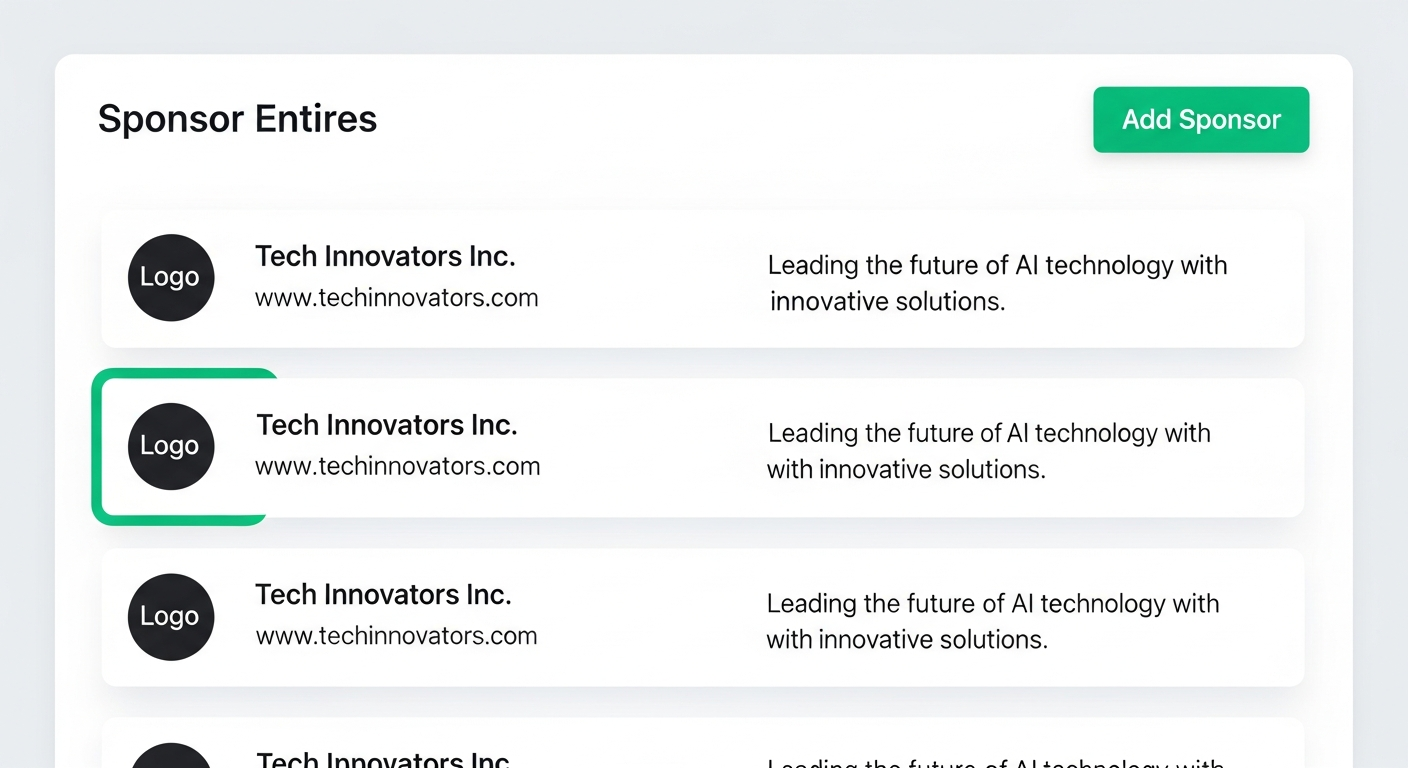
For each sponsor you can add:
- Sponsor name and logo
- Website link — so participants can visit their site
- Description — what they're contributing (prizes, funding, etc.)
Sponsors are displayed prominently on your competition's public page, giving them great exposure to the angling community.
Invite Collaborators Optional
Running a large competition? You can invite other Angling Ireland members to help manage it as Collaborators. Collaborators can help review catch submissions, manage participants, and more.

Access levels:
- Full access — can manage all your competitions and host settings
- Competition-specific — access limited to one or more selected competitions only
Tip: Adding collaborators is especially useful for multi-day events where you need help reviewing a high volume of catch submissions.
Manage Participants
Once your competition is live, anglers can join from the competition page. You'll manage all participants from your host dashboard.

Participant management includes:
- Approve/reject join requests (if you've set approval required)
- View each participant's competition card and card number
- Track how many species each participant has submitted
- Contact participants with updates or announcements
Each accepted participant is automatically assigned a unique card number and can access their personalised competition card immediately.
Review Catch Submissions
As participants submit their catches, you'll review them in the Results section. Each submission includes a photo of the fish alongside the participant's competition card.

For each submission you can:
- View the photo — check the fish species and that the competition card is visible
- Approve — confirms the catch and updates the leaderboard
- Reject — if the photo is unclear, the wrong species, or the card isn't visible
- Add notes — provide feedback to the angler on rejected submissions
Approved catches automatically update the live leaderboard. The leaderboard ranks participants by the number of unique target species they've successfully submitted.
Tip: Review submissions promptly so participants can see their progress on the leaderboard. Quick turnaround keeps the excitement going throughout the competition.
Part 2: For Anglers
Joining and competing in a Species Hunt
Find a Competition
Browse all active and upcoming Species Hunt competitions on the Competitions page. You can see each competition's details, target species count, entry fee, dates, and location.

Click on any competition to view the full details, rules, target species list, sponsors, and a map of the competition area.
Join the Competition
On the competition detail page, click the "Join Competition" button. You'll need to be logged in to your Angling Ireland account.
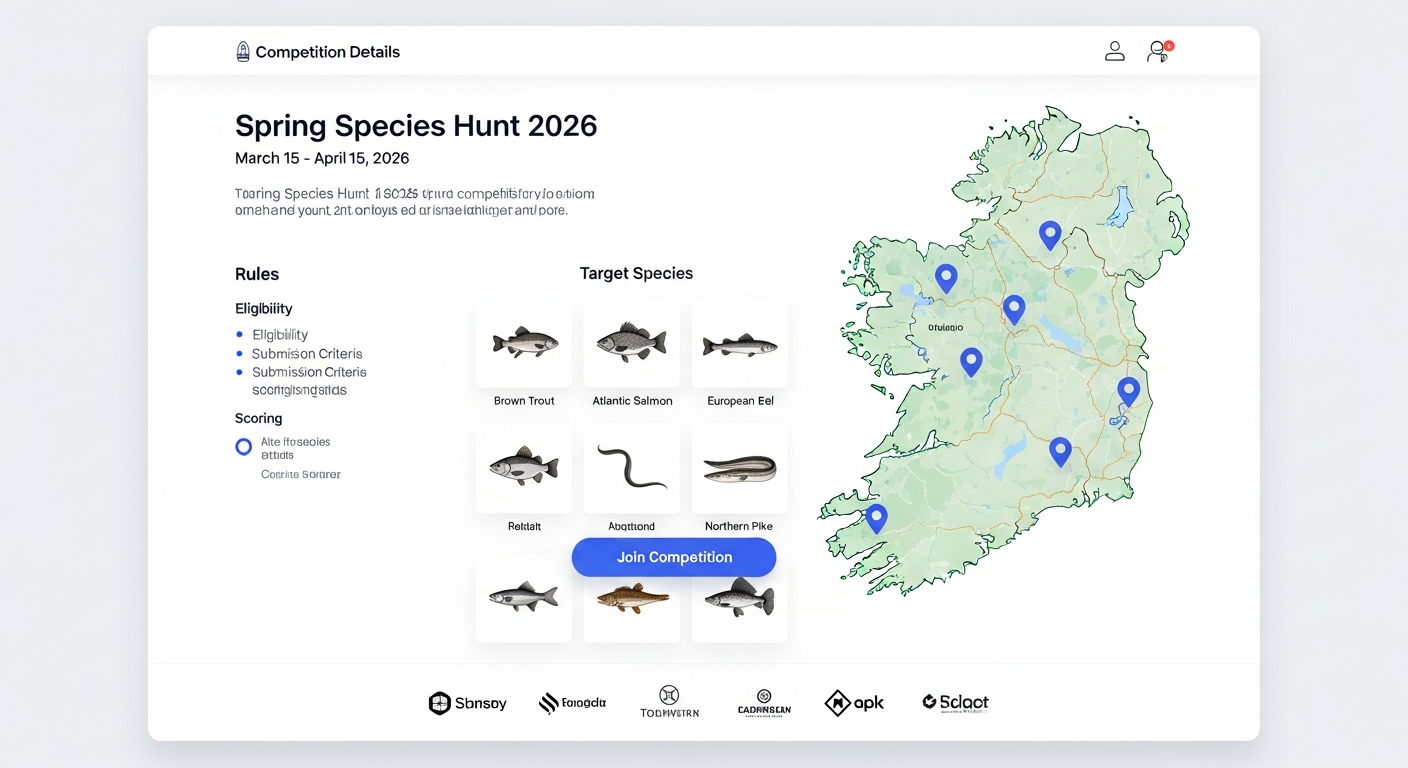
Depending on the competition settings, you may be:
- Instantly accepted — you're in and can start submitting catches immediately
- Pending approval — the host reviews and approves your request
If there's an entry fee, you'll be prompted to complete payment before your spot is confirmed.
Tip: Don't have an Angling Ireland account? Sign up for free — it only takes a minute. You can also join clubs and log your personal catches.
Get Your Competition Card
Once accepted, you'll receive a personalised Competition Card with your name and a unique card number. This is your proof of identity — you'll need it in every catch photo you submit.
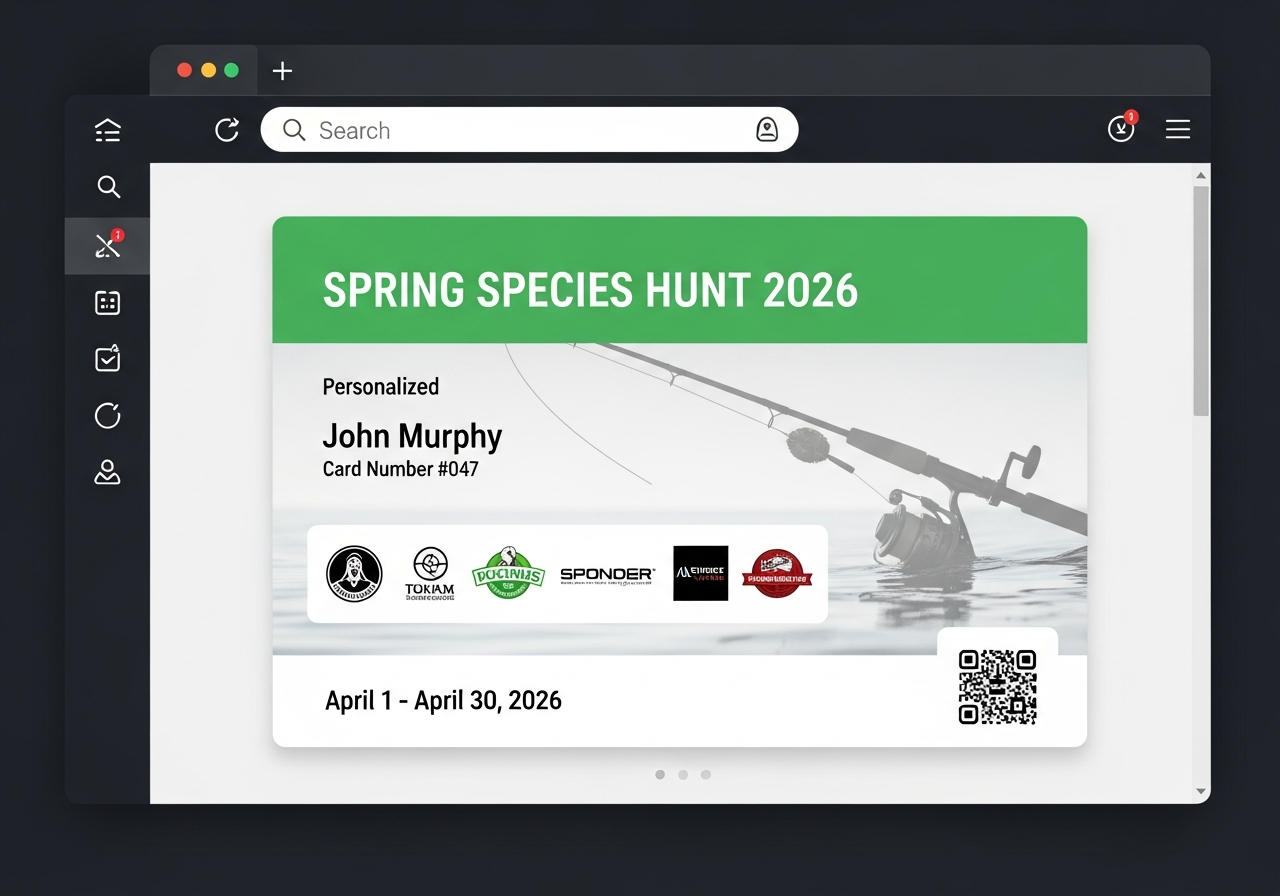
Your card options:
- View on screen — show it from your phone when taking photos
- Download as image — save it to your phone's camera roll
- Print — print the A4 card and bring it with you fishing
Tip: Print your card or download it before you head out. You'll need it visible in every catch photo. No card visible = submission likely rejected.
Go Fishing & Photograph Catches
Now for the fun part — get out on the water and start catching target species! When you catch a target species, take a clear photo showing:
- The fish — clearly identifiable species
- Your competition card — visible in the photo with your name and card number readable

Photo tips for successful submissions:
- Hold the fish so the species is clearly identifiable
- Place or hold your competition card near the fish
- Make sure the card number is readable in the photo
- Take photos in good lighting — avoid heavy shadows
- Take a few photos of each catch as backup
Tip: Many anglers prop their card against their tackle box or bag while holding the fish. This keeps both hands free and ensures the card is always in frame.
Submit Your Entries
Submit your catch photos through the Submit Entry page. You can do this from your phone right at the water — no need to wait until you get home.
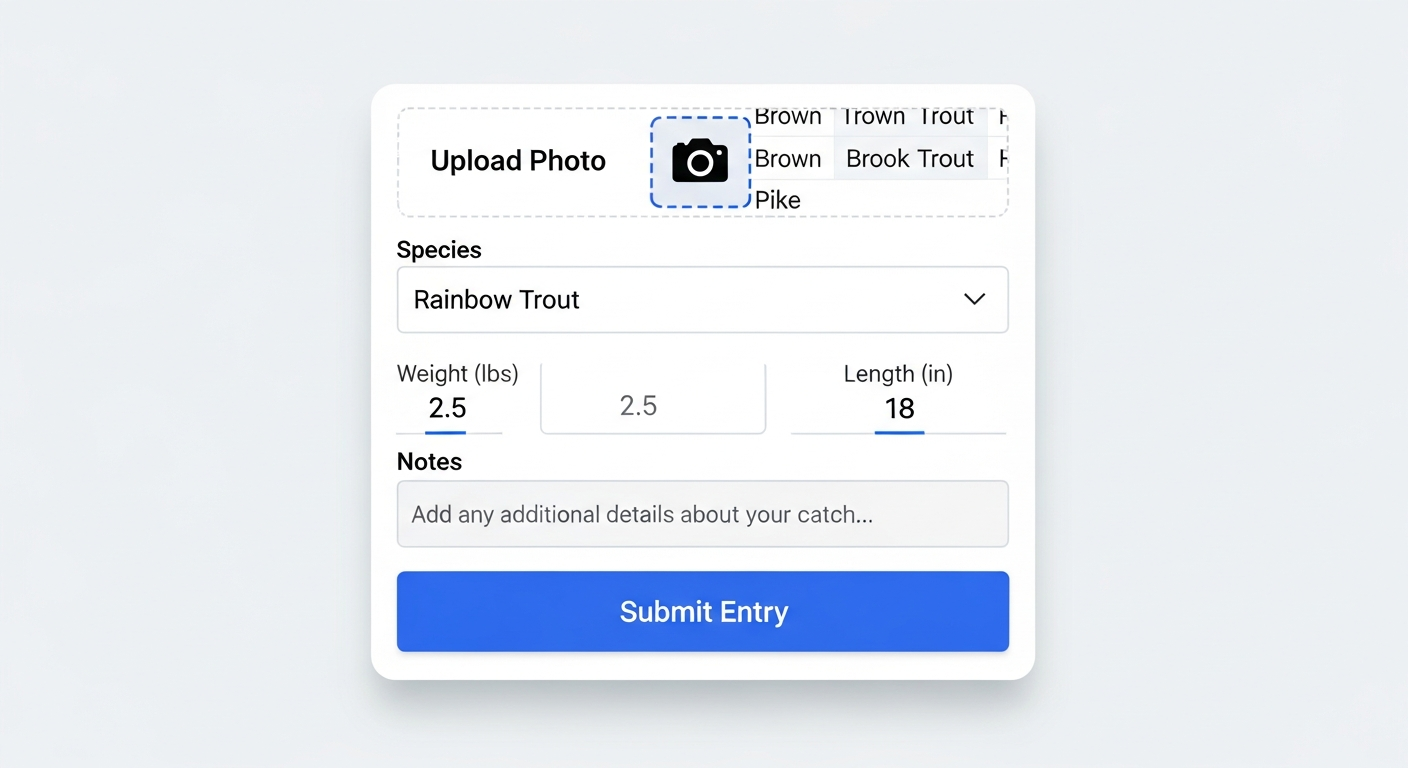
For each submission:
- Upload your photo — select from camera or gallery
- Select the species — choose from the competition's target species list
- Add measurements — weight and/or length (if required by the competition)
- Add notes — bait used, location description, etc. (optional)
Once submitted, the host or their collaborators will review your entry. You'll be notified when it's approved or if more information is needed.
Tip: Submit entries as you catch them rather than saving them all up. This lets the host review in real time and keeps the leaderboard exciting for everyone.
Track the Leaderboard
The live leaderboard updates in real time as the host approves submissions. See how you stack up against other anglers and which species you still need to catch.

The leaderboard shows:
- Your ranking among all participants
- Species count — how many unique target species each angler has caught
- Your progress — which target species you've submitted vs. which remain
Check the leaderboard throughout the competition to strategise which species to target next. The angler with the most unique species caught when the competition ends wins!
Tip: Focus on rare or hard-to-catch species first while conditions are good. Common species can be picked up anytime, but bad weather or changing conditions could make rarer catches harder later in the competition.
Ready to Get Started?
Whether you're hosting your first competition or looking for your next angling challenge, Species Hunt competitions are a brilliant way to get involved with the Irish angling community.